Country code: us for IP: 216.73.216.98
Skip to content
Logo - Seqrite Cybersecurity Solutions Provider
  • Products & Services
          • Cloud
          • Endpoint Protection
          • Endpoint Detection and Response
          • Mobile Device Management
          • BYOD
          • Extended Detection and Response
          • Zero Trust Network Access
          • Data Privacy
          • On Prem
          • Endpoint Protection
          • Endpoint Detection and Response
          • Data Privacy
          • Platform
          • Malware Analysis Platform
          • Small Business
          • SOHO Total Edition
          • Services
          • Threat Intel
          • Digital Risk Protection Services (DRPS)
          • Ransomware Recovery as a Services (RRaaS)
          • DPDP Compliance
          • Managed Detection and Response
          • Cybersecurity & Data Privacy Awareness
  • Solutions
    • BFSI
    • Education
    • Government
    • Healthcare
    • ITeS
    • Manufacturing
  • Company
    • About Seqrite
    • Leadership
    • Award and Recognition
    • Newsroom
  • Partners
    • Partner Program
    • Locate Partner
    • Partner with Us
  • Support
    • Support Center
    • FAQs
  • Resources
    • Blogs
    • Whitepapers
    • Datasheets
    • Case Studies
    • Threat Reports
    • Manuals
    • PoV
    • Understanding Data Privacy
    • Check Your Risk Score
    • DPDP Dialogues
    • Privacy Hour
  • Products & Services
    • Cloud
      • Endpoint Protection
      • Endpoint Detection and Response
      • Mobile Device Management
      • BYOD
      • Extended Detection and Response
      • Zero Trust Network Access
      • Data Privacy
    • On Prem
      • Endpoint Protection
      • Endpoint Detection and Response
      • Data Privacy
    • Platform
      • Malware Analysis Platform
    • Small Business
      • SOHO Total Edition
    • Services
      • Threat Intel
      • Digital Risk Protection Services (DRPS)
      • Ransomware Recovery as a Services (RRaaS)
      • DPDP Compliance
      • Manage Detection and Response
      • Cybersecurity & Data Privacy Awareness
  • Solutions
    • BFSI
    • Education
    • Government
    • Healthcare
    • Cybersecurity for the ITeS Industry
    • Manufacturing
  • Company
    • About Seqrite
    • Leadership
    • Awards & Certifications
    • Newsroom
  • Partners
    • Partner Program
    • Locate Partner
    • Partner with Us
  • Support
    • Support Center
    • FAQs
  • Resources
    • Blogs
    • Datasheets
    • Manuals
    • Case Studies
    • Whitepapers
    • Threat Reports
    • Policy
    • EULA
    • Understanding Data Privacy and DPDP Act
    • Check Your Risk Score
    • DPDP Dialogues
    • Privacy Hour
  • Under Attack?
  • Contact Sales
Under Attack? Contact Sales
  • Home
  • Blog
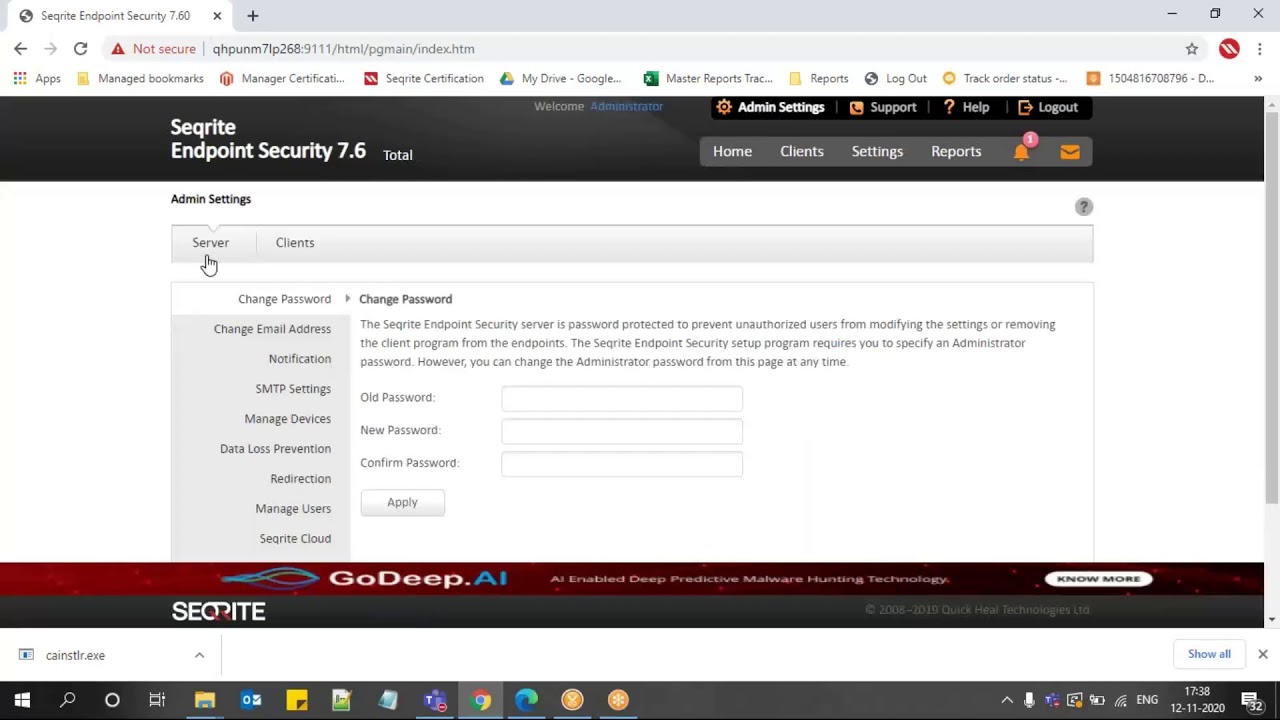
  • How to add custom file types into the Backup of Ransomware protection in Seqrite Endpoint security?

How to add custom file types into the Backup of Ransomware protection in Seqrite Endpoint security?
0views
EPP - Cloud,
Self Help Support

Related Videos

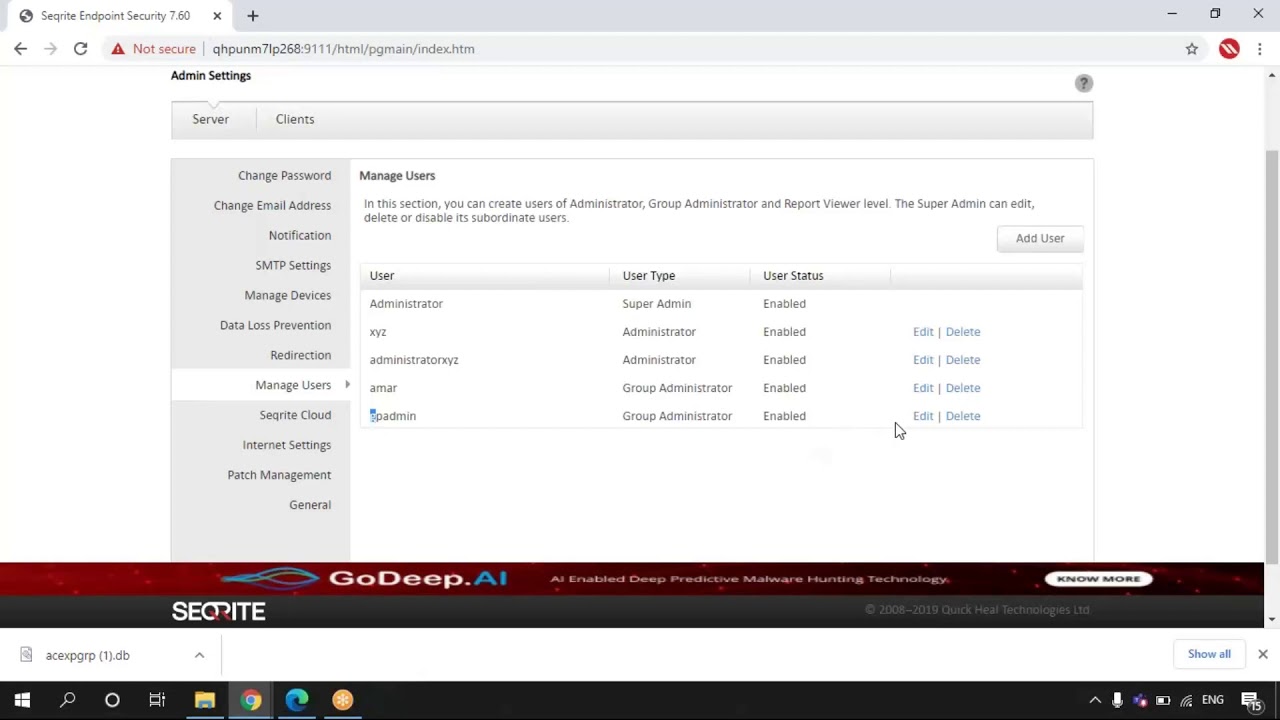
How to create Group Administrator user and assign a group?
EPP - On Prem,
Self Help Support
How to create 'Administrator' user account in Seqrite EPS Console?
How to create ‘Administrator’ user account in Seqrite EPS Console?
EPP - On Prem,
Self Help Support
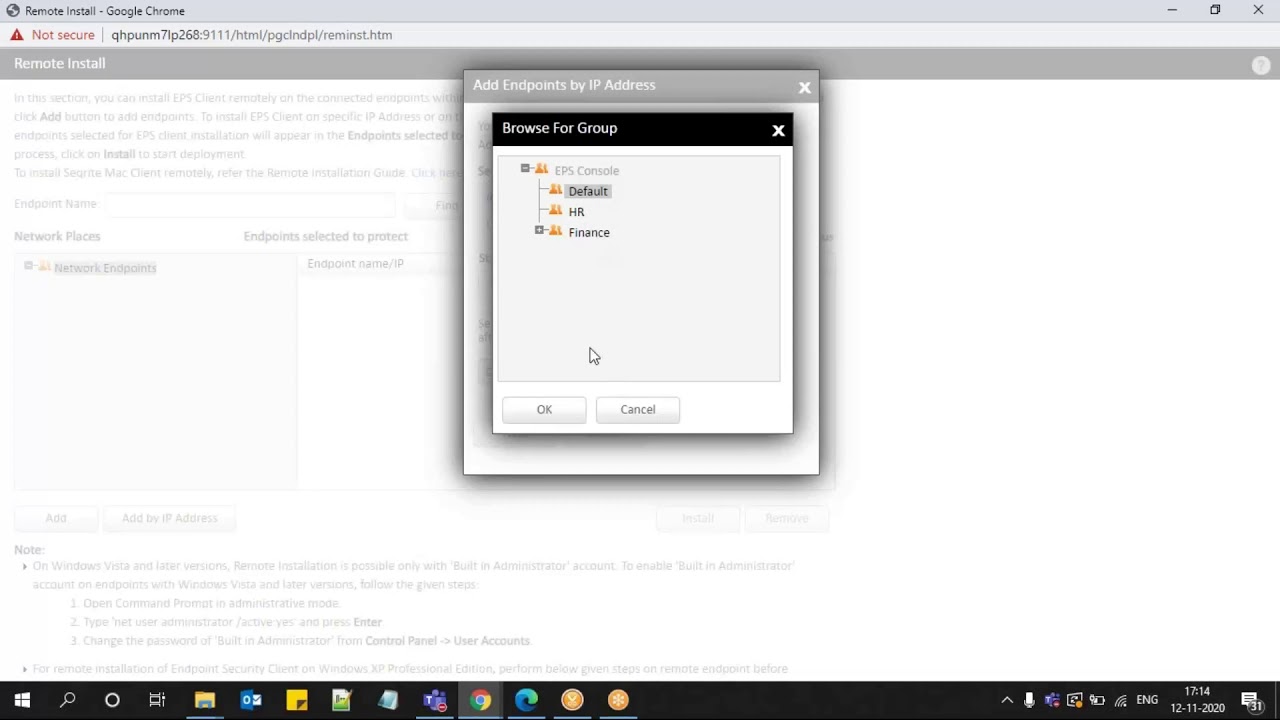
How to install Seqrite EPS clients remotely?
EPP - On Prem,
Self Help Support
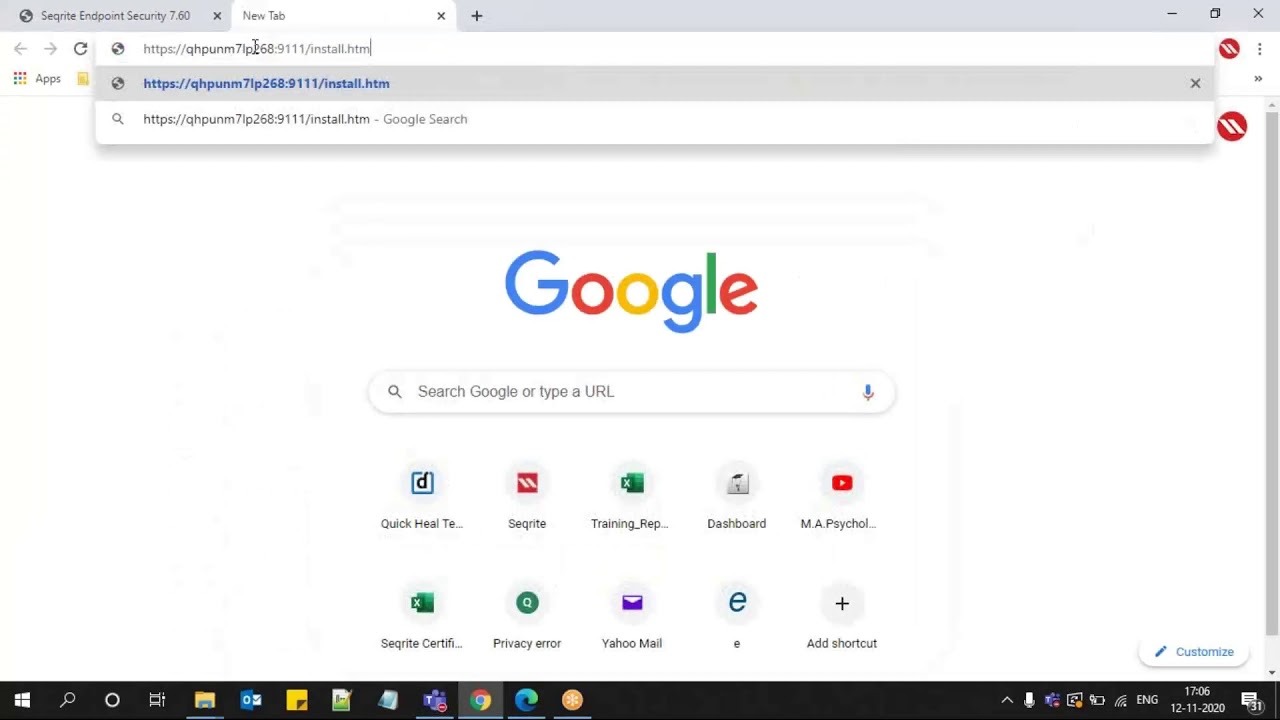
How to install Seqrite EPS Client using Notify install method?
EPP - On Prem,
Self Help Support
How to upgrade your existing Seqrite Endpoint Security?
EPP - On Prem,
Self Help Support
How to create Client Packager for installing Seqrite EPS in a MAC Operating System?
EPP - On Prem,
Self Help Support
How to create Client Packager for installing Seqrite EPS Client in a Windows Operating system?
EPP - On Prem,
Self Help Support
Seqrite Endpoint Security 7.6 - New Features & Enhancements
Seqrite Endpoint Security 7.6 – New Features & Enhancements
EPP - On Prem,
Self Help Support
How install and configure Seqrite Patch Management?
EPP - On Prem,
Self Help Support
How to configure DLP settings in Seqrite EPS Policy?
07:16
How to configure DLP settings in Seqrite EPS Policy?
EPP - On Prem,
Self Help Support
«123456»
Page 3 of 6
Footer Logo - Seqrite Cybersecurity Solutions Provider

Leading enterprise IT security solutions provider simplifying endpoint, data, and network security with best-in-class threat prevention, detection, and response solutions worldwide.

About Us

Follow us:

Subscribe To Our Newsletter

Stay informed about the latest cybersecurity trends and insights.

By continuing, you accept the privacy policy

Products & Services

  • Cloud
  • Endpoint Protection
  • Endpoint Detection and Response
  • Mobile Device Management
  • BYOD
  • Extended Detection and Response
  • Zero Trust Network Access
  • Data Privacy
  • On Prem
  • Endpoint Protection
  • Endpoint Detection and Response
  • Data Privacy
  • Platform
  • Malware Analysis Platform
  • Small Business
  • SOHO Total Edition
  • Services
  • Threat Intel
  • Digital Risk Protection Services (DRPS)
  • Ransomware Recovery as a Services (RRaaS)
  • DPDP Compliance
  • Managed Detection and Response
  • Cybersecurity & Data Privacy Awareness

Resources

  • Blogs
  • Whitepapers
  • Datasheets
  • Case Studies
  • Threat Reports
  • Manuals
  • PoV
  • Understanding Data Privacy
  • DPDP Dialogues
  • Policy & Compliance
  • EULA
  • GoDeep.AI
  • SIA
  • Privacy Hour

Contact Us

  • Registered Offices
  • Let’s Talk Cybersecurity

Support

  • Technical Support
  • FAQs
  • Download Software
  • Offline Updater
  • Firmware Upgrades
  • Upgrades
  • Product Documentation

About Us

  • About Seqrite
  • Leadership
  • Awards & Recognition
  • Newsroom

Partner

  • Partner Program
  • Locate Partner
  • Partner with Us
  • Seqrite Certification

© 2026 Quick Heal Technologies Ltd.

  • Sitemap
  • Privacy Policy
  • Legal Notices
  • Cookie Policy
  • Terms Of Use