Country code: us for IP: 18.97.9.99
Skip to content
Logo - Seqrite Cybersecurity Solutions Provider
  • Products & Services
          • Cloud
          • Endpoint Protection
          • Endpoint Detection and Response
          • Mobile Device Management
          • BYOD
          • Extended Detection and Response
          • Zero Trust Network Access
          • Data Privacy
          • On Prem
          • Endpoint Protection
          • Endpoint Detection and Response
          • Data Privacy
          • Platform
          • Malware Analysis Platform
          • Small Business
          • SOHO Total Edition
          • Services
          • Threat Intel
          • Digital Risk Protection Services (DRPS)
          • Ransomware Recovery as a Services (RRaaS)
          • DPDP Compliance
          • Managed Detection and Response
          • Cybersecurity & Data Privacy Awareness
  • Solutions
    • BFSI
    • Education
    • Government
    • Healthcare
    • ITeS
    • Manufacturing
  • Company
    • About Seqrite
    • Leadership
    • Award and Recognition
    • Newsroom
  • Partners
    • Partner Program
    • Locate Partner
    • Partner with Us
  • Support
    • Support Center
    • FAQs
  • Resources
    • Blogs
    • Whitepapers
    • Datasheets
    • Case Studies
    • Threat Reports
    • Manuals
    • PoV
    • Understanding Data Privacy
    • Check Your Risk Score
    • DPDP Dialogues
    • Privacy Hour
  • Products & Services
    • Cloud
      • Endpoint Protection
      • Endpoint Detection and Response
      • Mobile Device Management
      • BYOD
      • Extended Detection and Response
      • Zero Trust Network Access
      • Data Privacy
    • On Prem
      • Endpoint Protection
      • Endpoint Detection and Response
      • Data Privacy
    • Platform
      • Malware Analysis Platform
    • Small Business
      • SOHO Total Edition
    • Services
      • Threat Intel
      • Digital Risk Protection Services (DRPS)
      • Ransomware Recovery as a Services (RRaaS)
      • DPDP Compliance
      • Manage Detection and Response
      • Cybersecurity & Data Privacy Awareness
  • Solutions
    • BFSI
    • Education
    • Government
    • Healthcare
    • Cybersecurity for the ITeS Industry
    • Manufacturing
  • Company
    • About Seqrite
    • Leadership
    • Awards & Certifications
    • Newsroom
  • Partners
    • Partner Program
    • Locate Partner
    • Partner with Us
  • Support
    • Support Center
    • FAQs
  • Resources
    • Blogs
    • Datasheets
    • Manuals
    • Case Studies
    • Whitepapers
    • Threat Reports
    • Policy
    • EULA
    • Understanding Data Privacy and DPDP Act
    • Check Your Risk Score
    • DPDP Dialogues
    • Privacy Hour
  • Under Attack?
  • Contact Sales
Under Attack? Contact Sales
  • Home
  • Blog
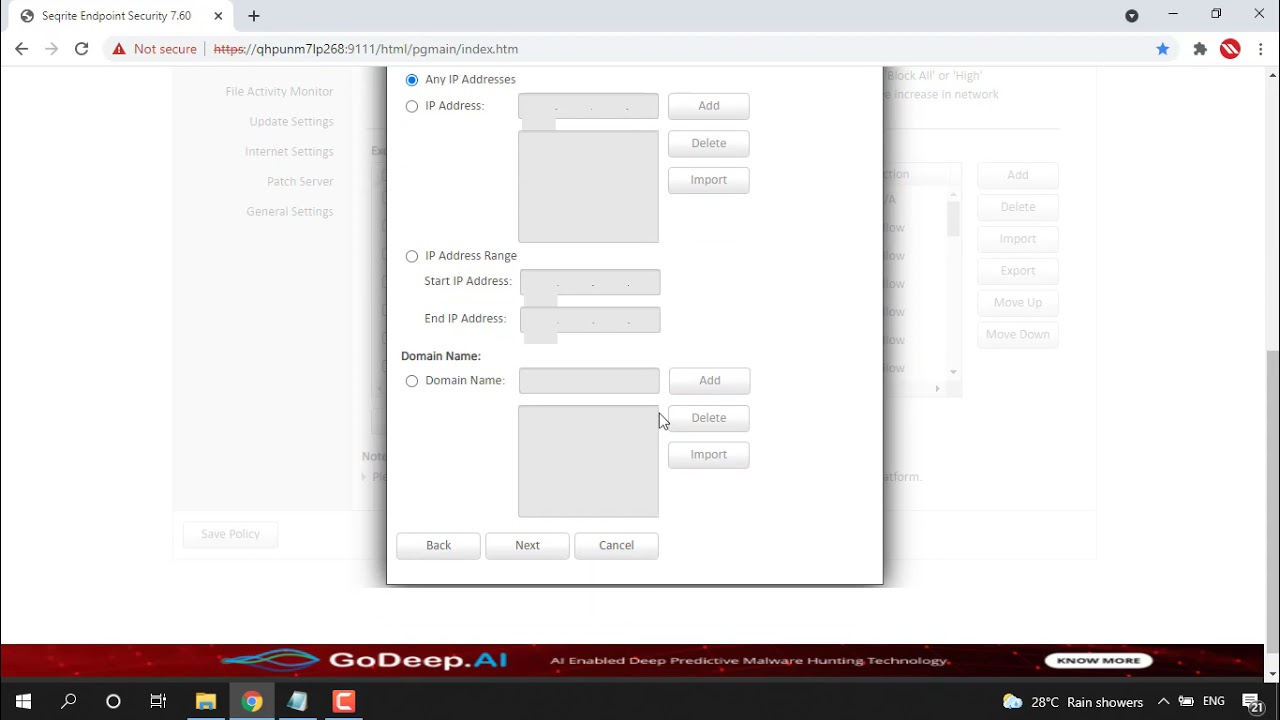
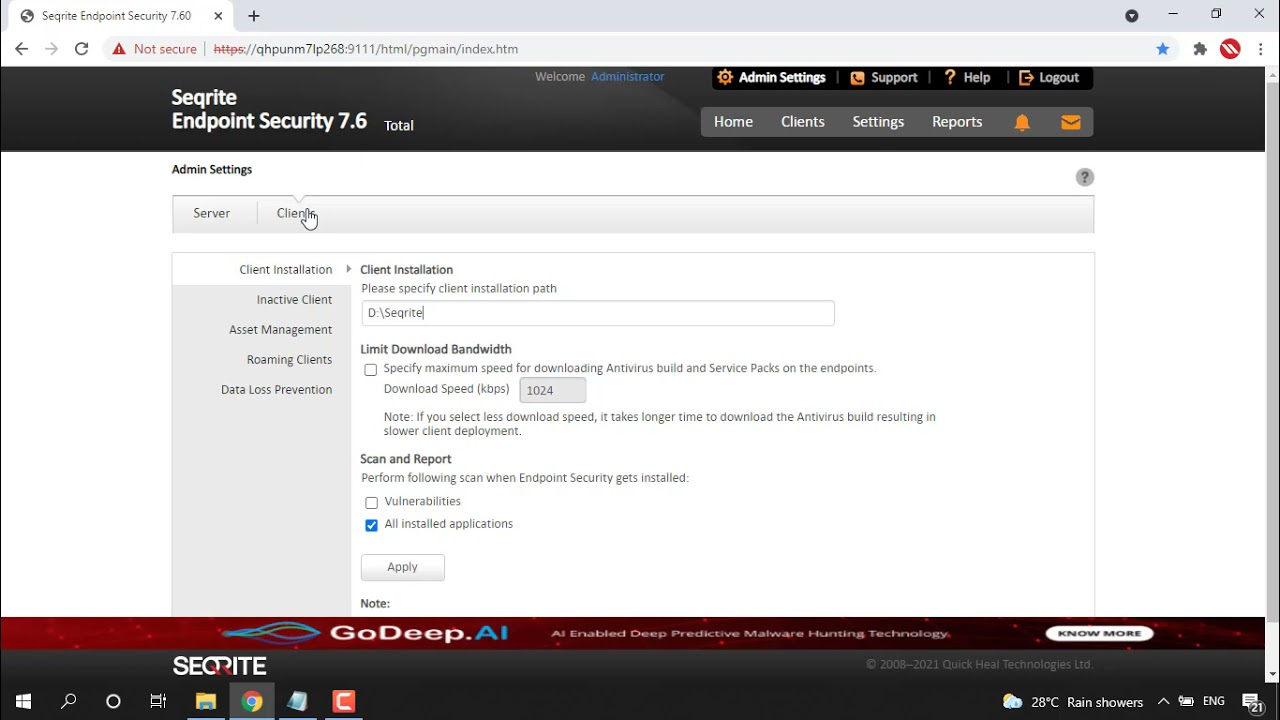
  • How install and configure Seqrite Patch Management?

How install and configure Seqrite Patch Management?

0views
EPP - On Prem,
Self Help Support

Related Videos

How to display the Windows Product Key in Asset Reports of Seqrite EPS?
EPP - On Prem,
Self Help Support
How to export complete the Asset Details into a single CSV file?
EPP - On Prem,
Self Help Support
How to enable the Vulnerability scan when endpoint security gets installed?
EPP - On Prem,
Self Help Support
How to limit download bandwidth for downloading AV builds and Service packs?
EPP - On Prem,
Self Help Support
How to deny traffic of specific applications via Firewall settings in Seqrite EPS?
EPP - On Prem,
Self Help Support
How to Change the Automatic mode to Manual mode for Roaming clients of Seqrite EPS?
EPP - On Prem,
Self Help Support
How to remove inactive clients from Seqrite EPS Console?
EPP - On Prem,
Self Help Support
How to enable Roaming service with Seqrite EPS?
EPP - On Prem,
Self Help Support
How to change the default Client installation path from Seqrite EPS Console?
EPP - On Prem,
Self Help Support
How to block USB Storage devices using Seqrite EPS?
EPP - On Prem,
Self Help Support
123…6»
Page 1 of 6
Footer Logo - Seqrite Cybersecurity Solutions Provider

Leading enterprise IT security solutions provider simplifying endpoint, data, and network security with best-in-class threat prevention, detection, and response solutions worldwide.

About Us

Follow us:

Subscribe To Our Newsletter

Stay informed about the latest cybersecurity trends and insights.

By continuing, you accept the privacy policy

Products & Services

  • Cloud
  • Endpoint Protection
  • Endpoint Detection and Response
  • Mobile Device Management
  • BYOD
  • Extended Detection and Response
  • Zero Trust Network Access
  • Data Privacy
  • On Prem
  • Endpoint Protection
  • Endpoint Detection and Response
  • Data Privacy
  • Platform
  • Malware Analysis Platform
  • Small Business
  • SOHO Total Edition
  • Services
  • Threat Intel
  • Digital Risk Protection Services (DRPS)
  • Ransomware Recovery as a Services (RRaaS)
  • DPDP Compliance
  • Managed Detection and Response
  • Cybersecurity & Data Privacy Awareness

Resources

  • Blogs
  • Whitepapers
  • Datasheets
  • Case Studies
  • Threat Reports
  • Manuals
  • PoV
  • Understanding Data Privacy
  • DPDP Dialogues
  • Policy & Compliance
  • EULA
  • GoDeep.AI
  • SIA
  • Privacy Hour

Contact Us

  • Registered Offices
  • Let’s Talk Cybersecurity

Support

  • Technical Support
  • FAQs
  • Download Software
  • Offline Updater
  • Firmware Upgrades
  • Upgrades
  • Product Documentation

About Us

  • About Seqrite
  • Leadership
  • Awards & Recognition
  • Newsroom

Partner

  • Partner Program
  • Locate Partner
  • Partner with Us
  • Seqrite Certification

© 2026 Quick Heal Technologies Ltd.

  • Sitemap
  • Privacy Policy
  • Legal Notices
  • Cookie Policy
  • Terms Of Use