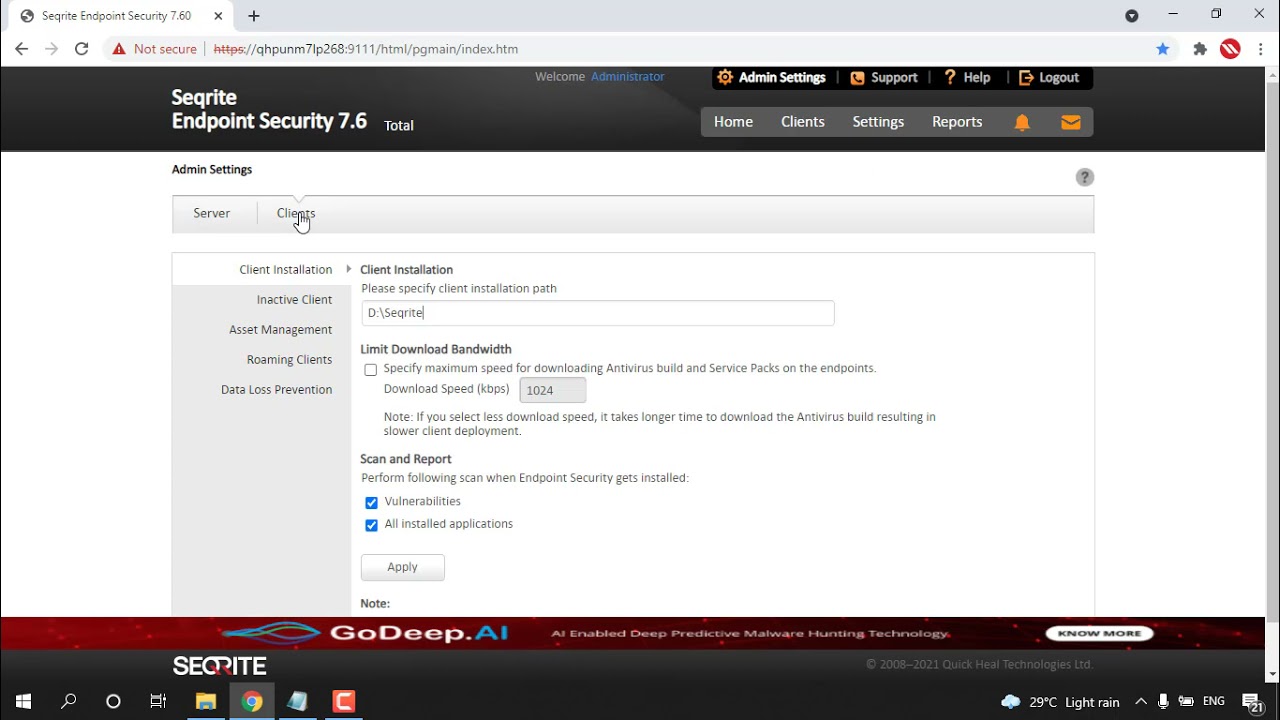
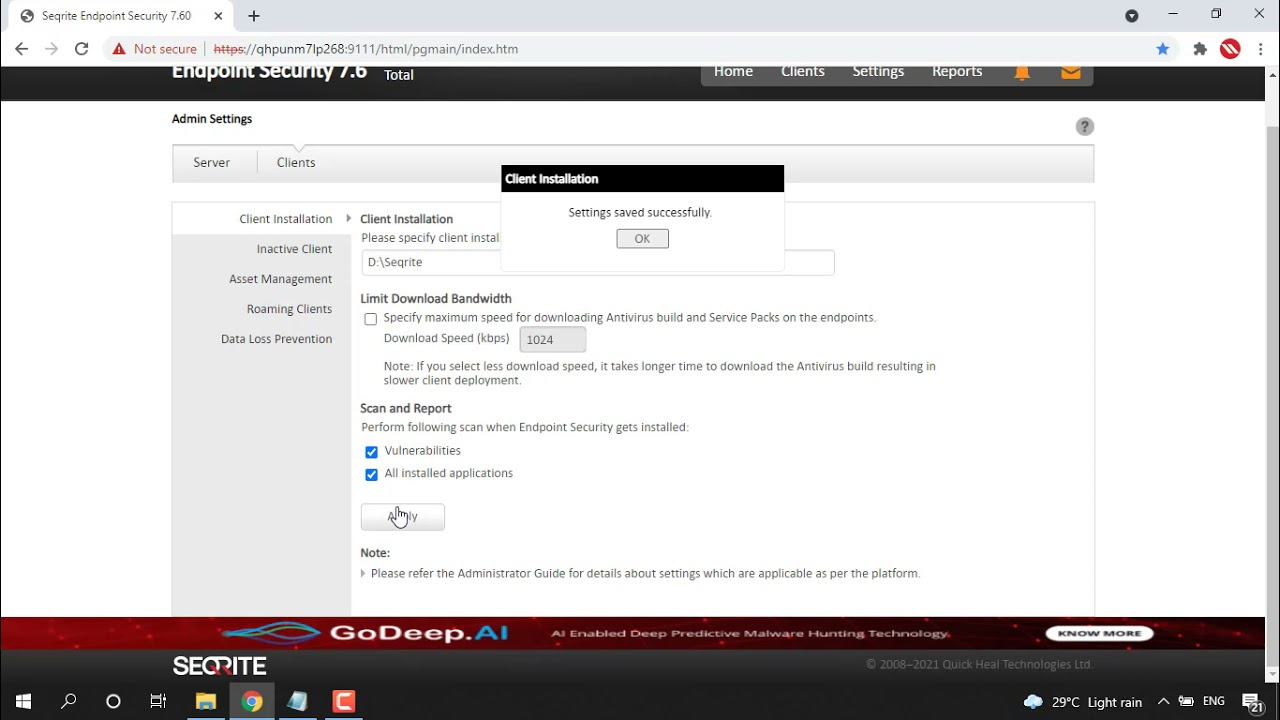
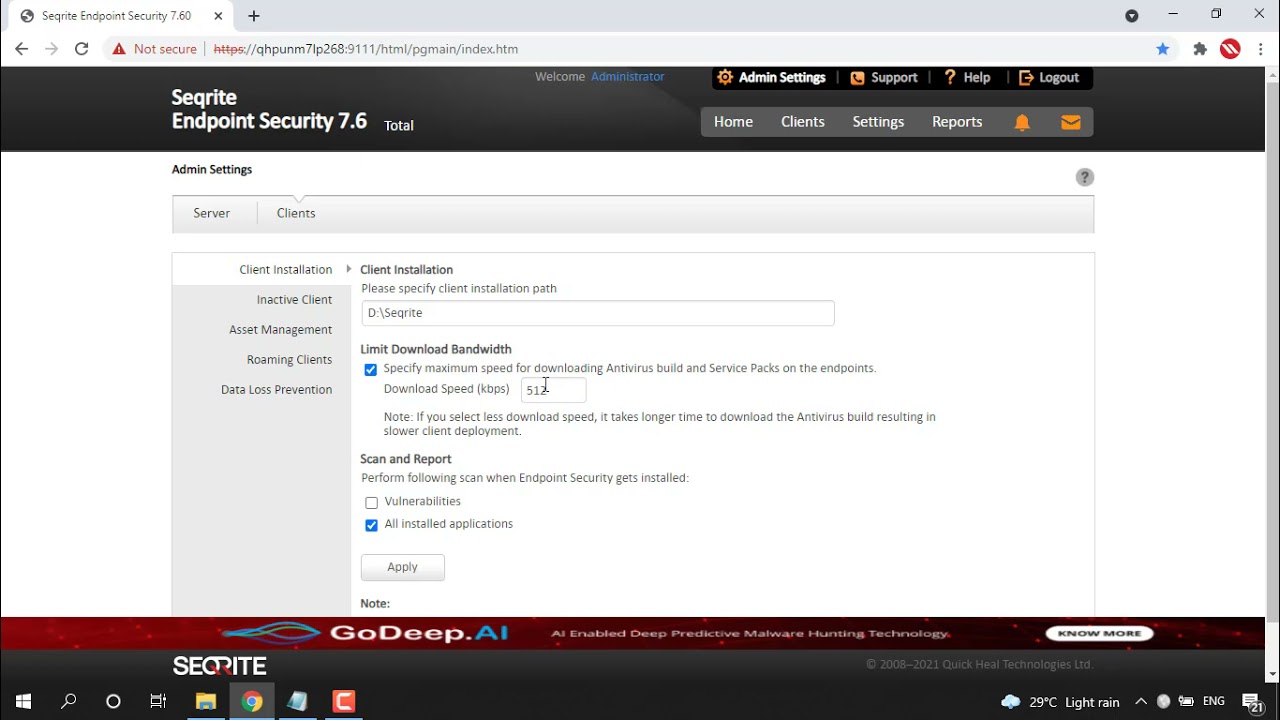
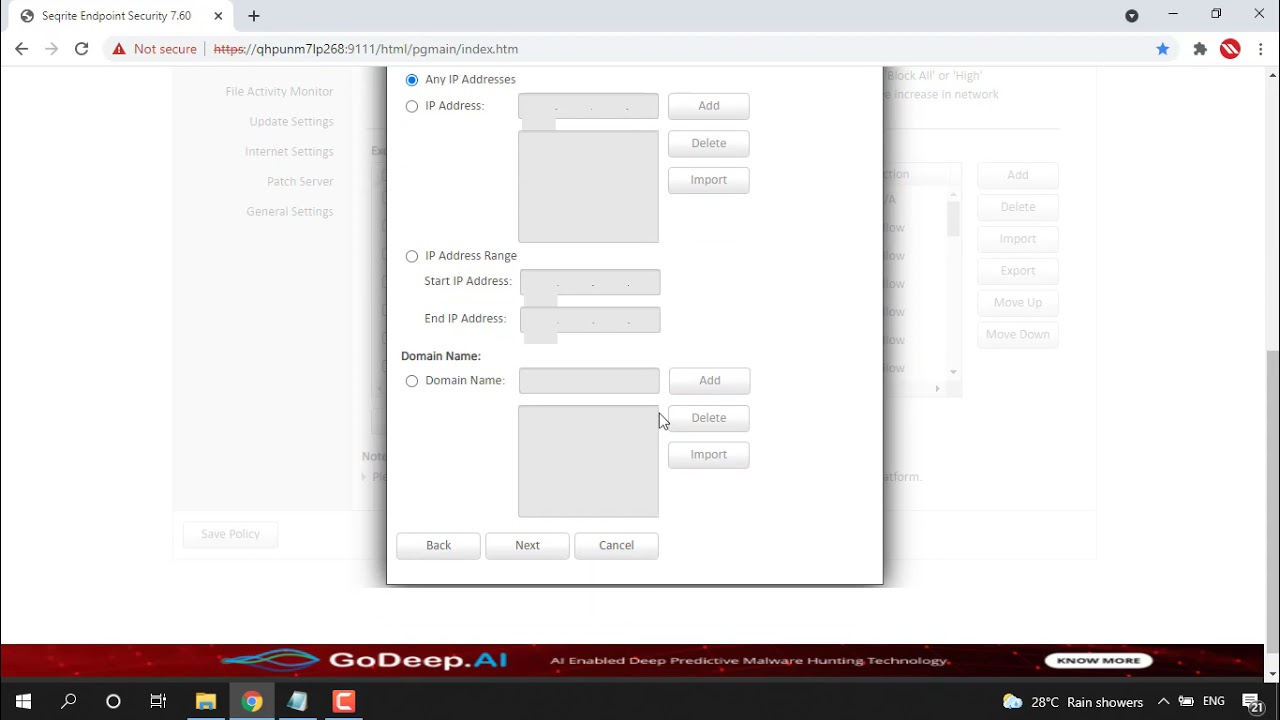
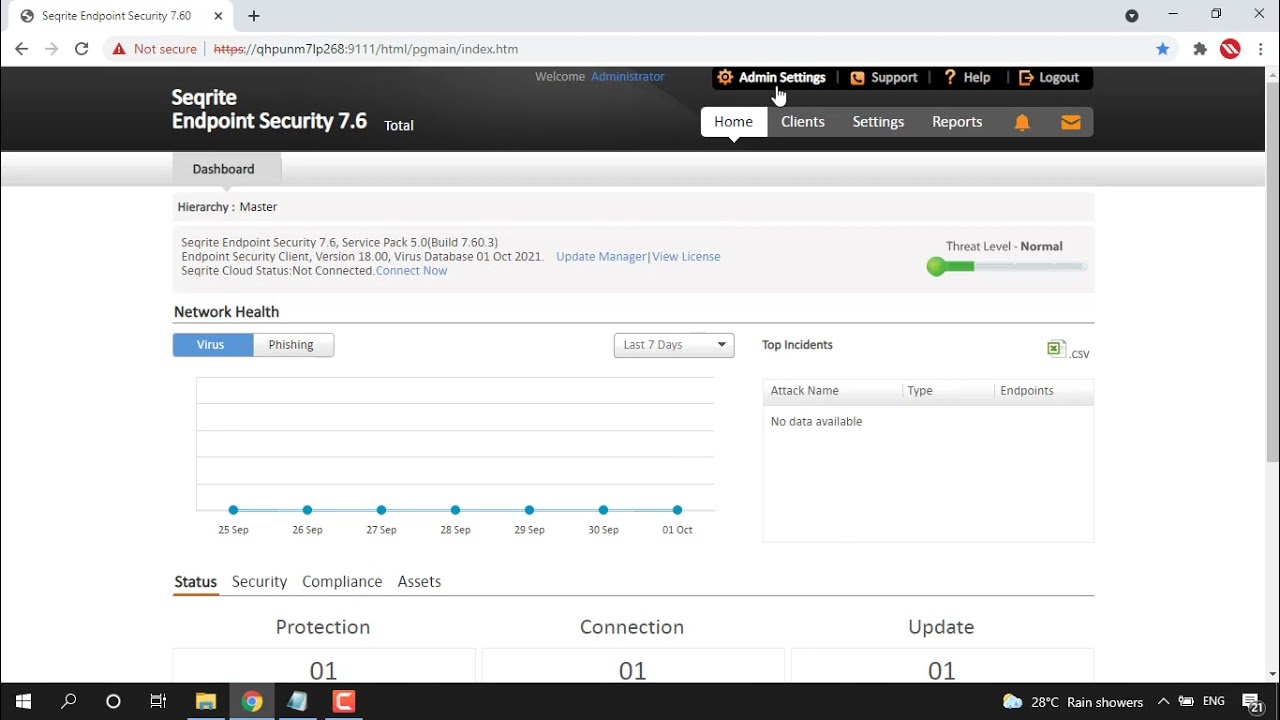
Home Videos How to Change the Automatic mode to Manual mode for Roaming clients of Seqrite EPS? How to Change the Automatic mode to Manual mode for Roaming clients of Seqrite EPS? 459views Related Videos 01:19 How to display the Windows Product Key in Asset Reports of Seqrite EPS? 02:03 How to export complete the Asset Details into a single CSV file? 01:26 How to enable the Vulnerability scan when endpoint security gets installed? 01:22 How to limit download bandwidth for downloading AV builds and Service packs? 03:37 How to deny traffic of specific applications via Firewall settings in Seqrite EPS? 01:18 How to remove inactive clients from Seqrite EPS Console? 123…10»Page 1 of 10