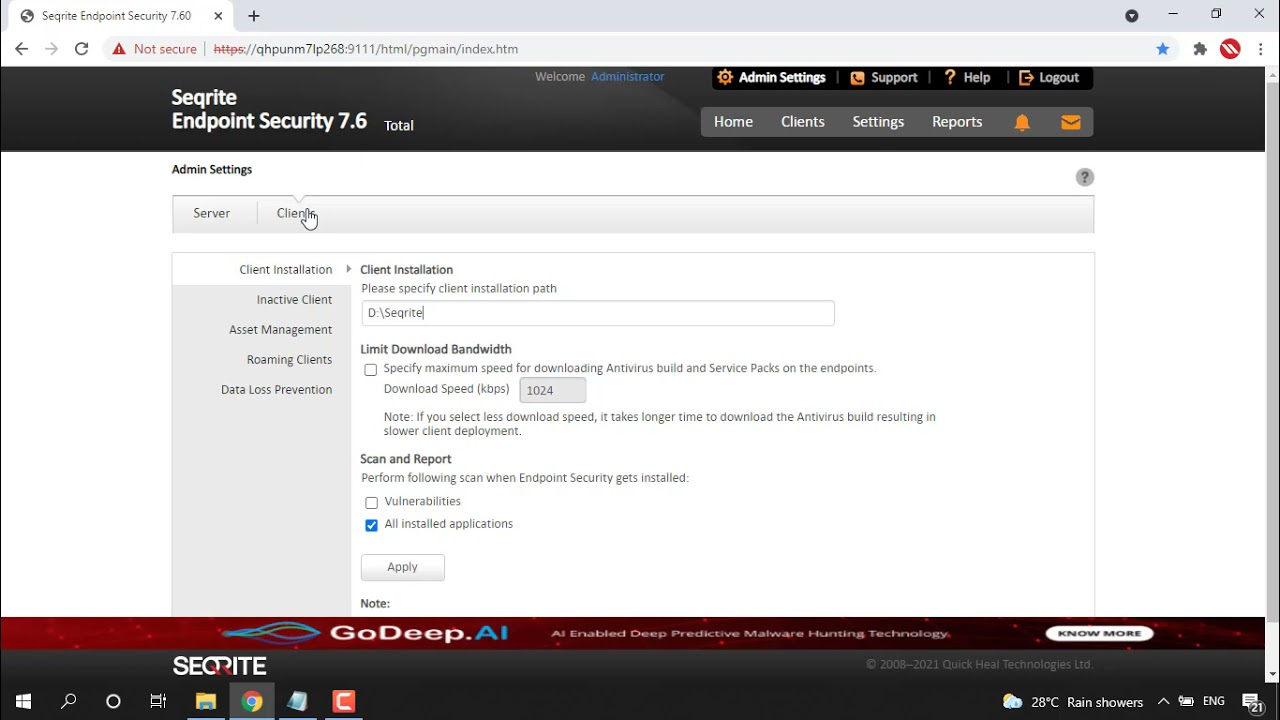
Home Blog Seqrite EPS Cloud – How to use Remote Installer for installing EPS Clients to windows & MAC? Seqrite EPS Cloud – How to use Remote Installer for installing EPS Clients to windows & MAC? 0views EPP - Cloud,Self Help Support Related Videos How to display the Windows Product Key in Asset Reports of Seqrite EPS? EPP - On Prem,Self Help Support How to export complete the Asset Details into a single CSV file? EPP - On Prem,Self Help Support How to enable the Vulnerability scan when endpoint security gets installed? EPP - On Prem,Self Help Support How to limit download bandwidth for downloading AV builds and Service packs? EPP - On Prem,Self Help Support How to deny traffic of specific applications via Firewall settings in Seqrite EPS? EPP - On Prem,Self Help Support How to Change the Automatic mode to Manual mode for Roaming clients of Seqrite EPS? EPP - On Prem,Self Help Support How to remove inactive clients from Seqrite EPS Console? EPP - On Prem,Self Help Support How to enable Roaming service with Seqrite EPS? EPP - On Prem,Self Help Support How to change the default Client installation path from Seqrite EPS Console? EPP - On Prem,Self Help Support How to block USB Storage devices using Seqrite EPS? EPP - On Prem,Self Help Support 123…6»Page 1 of 6