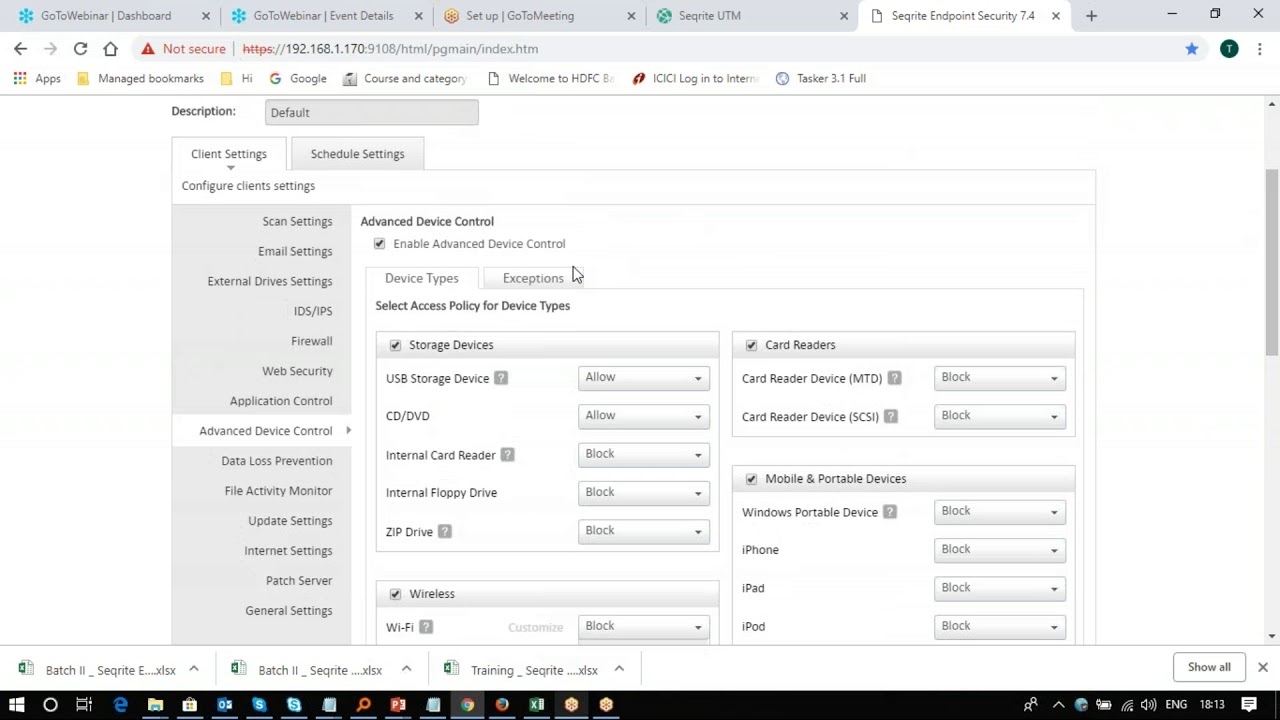
Home Blog How to block USB Storage devices using Seqrite EPS? How to block USB Storage devices using Seqrite EPS? 0views EPP - On Prem,Self Help Support Related Videos Seqrite EPS Cloud – How to change Client installation path from console? EPP - Cloud,Self Help Support Seqrite EPS Cloud – How to add USB Devices into Device Control settings EPP - Cloud,Self Help Support Seqrite EPS Cloud – How to use Remote Installer for installing EPS Clients to windows & MAC? EPP - Cloud,Self Help Support Seqrite EPS Cloud – How to move computers between groups? EPP - Cloud,Self Help Support Seqrite EPS Cloud – How to add group? EPP - Cloud,Self Help Support 01:54 Seqrite EPS Cloud – How to add New User Roles? EPP - Cloud,Self Help Support Seqrite EPS Cloud – How to use Email Installer Link option? EPP - Cloud,Self Help Support Seqrite EPS Cloud – How to export Cleint Status into a CSV file? EPP - Cloud,Self Help Support Seqrite EPS Cloud – How to track the client status? EPP - On Prem,Self Help Support Seqrite EPS – Advanced Device control Configuration EPP - On Prem,Self Help Support «1…3456»Page 5 of 6